Screens

The running original, screen by screen.

Agenda 2.0b is freeware and it still runs. These are captures of it doing the thing this whole site is about. I typed seven plain sentences into a task list and it filed every one of them. Nothing on this page is a mockup.

How these were made. DOSBox Staging emulates the VGA card, and its local API hands back the 80-by-25 text screen straight from video memory. I render that with the font from the emulated VGA ROM and the palette a 1990 monitor was actually fed. They're the exact bytes the program put on screen. The install ran from Lotus's own floppy images, copy protection and all.

Type, and it files

This is the Tasks view of the Planner starter file that Lotus shipped on Disk 2, with seven items I typed in as sentences. I never touched the columns on the right.
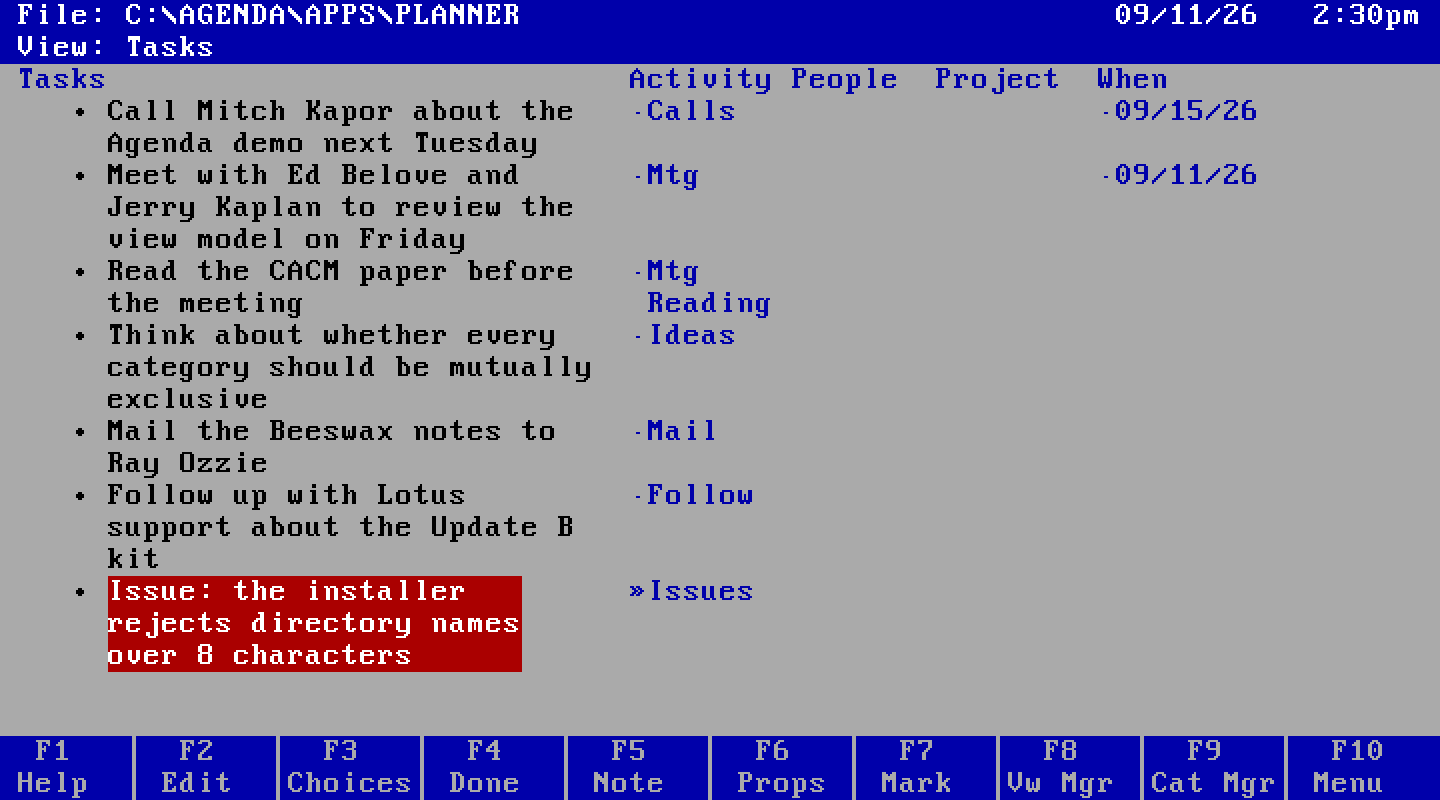
The Agenda Tasks view. Seven items in the left column; the Activity column shows Calls, Mtg, Mtg and Reading, Ideas, Mail, Follow, and Issues; the When column shows 09/15/26 and 09/11/26.
Every entry under Activity and When was assigned by Agenda. “Call” became Calls, “Meet with” became Mtg, “Think about” became Ideas, “next Tuesday” became 09/15/26, and “Read the CACM paper before the meeting” landed in two categories at once.
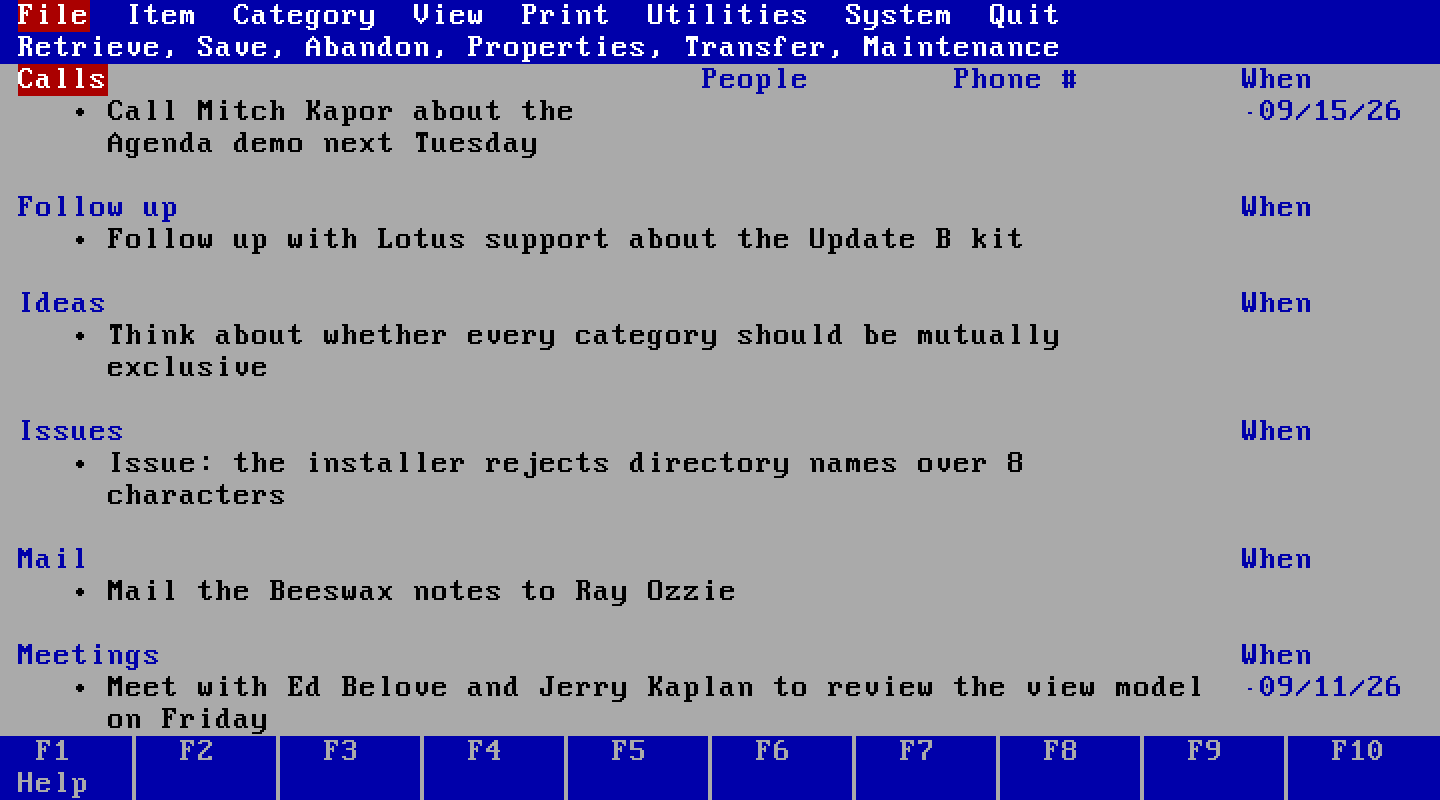
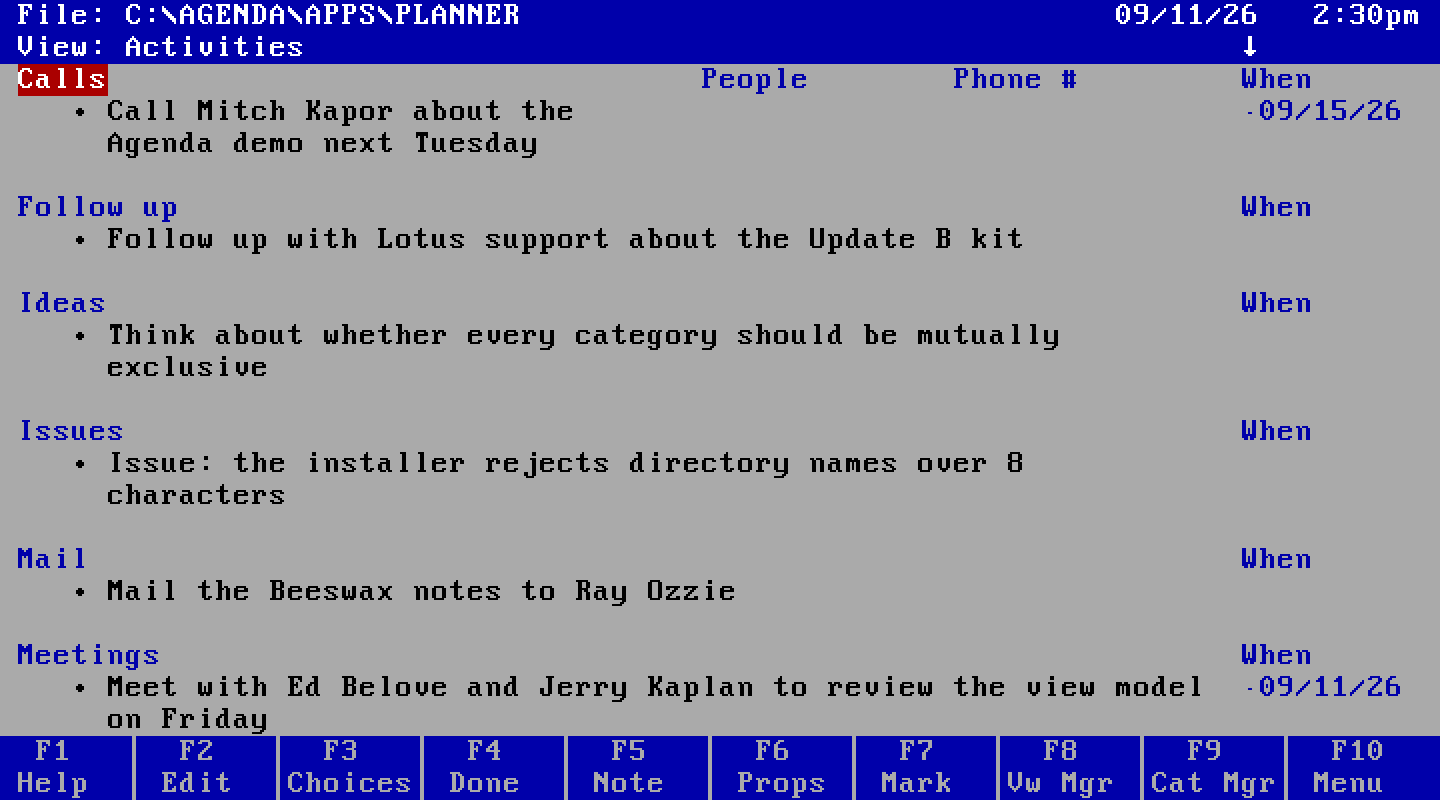
The Agenda Activities view. The same seven items grouped under section headings Calls, Follow up, Ideas, Issues, Mail, and Meetings.
The same seven items in the Activities view, grouped into sections by category. Nothing was copied. A view is a query, and this one asks for the items by activity.

The program behind it

The category hierarchy is the program. Press Alt-F7 in the category manager and it shows you the source.
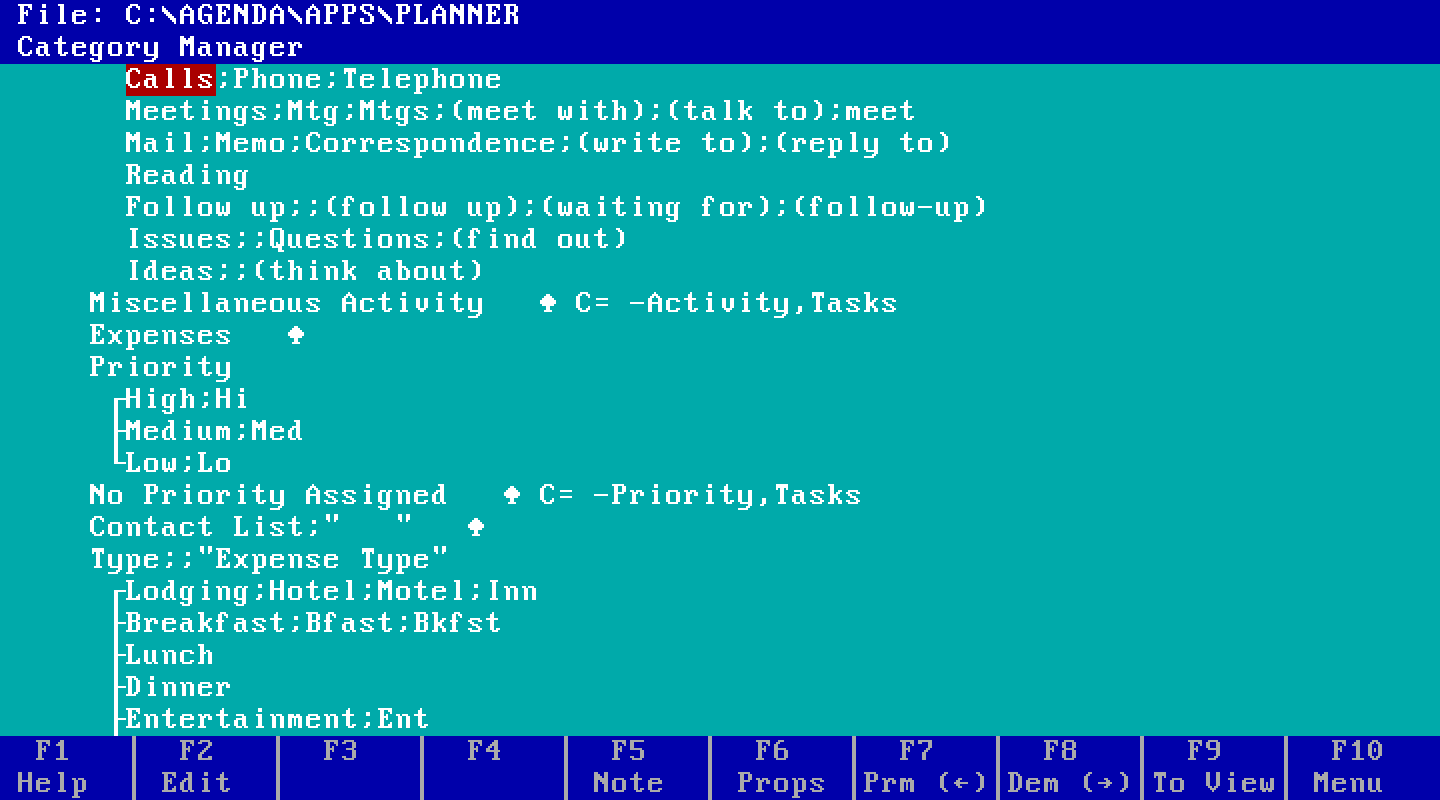
The category manager with conditions shown. Lines read Calls;Phone;Telephone, Meetings;Mtg;Mtgs;(meet with);(talk to);meet, Ideas;;(think about), and Miscellaneous Activity C= -Activity,Tasks.
Each line is a rule. Ideas;;(think about) pulls in any item containing that phrase. Miscellaneous Activity C= -Activity,Tasks is an assignment condition: a task that isn't assigned to any activity lands here. The bracket under Priority is a mutually exclusive family. This is the whole program that filed the items above, and it shipped as a starter file in 1990.
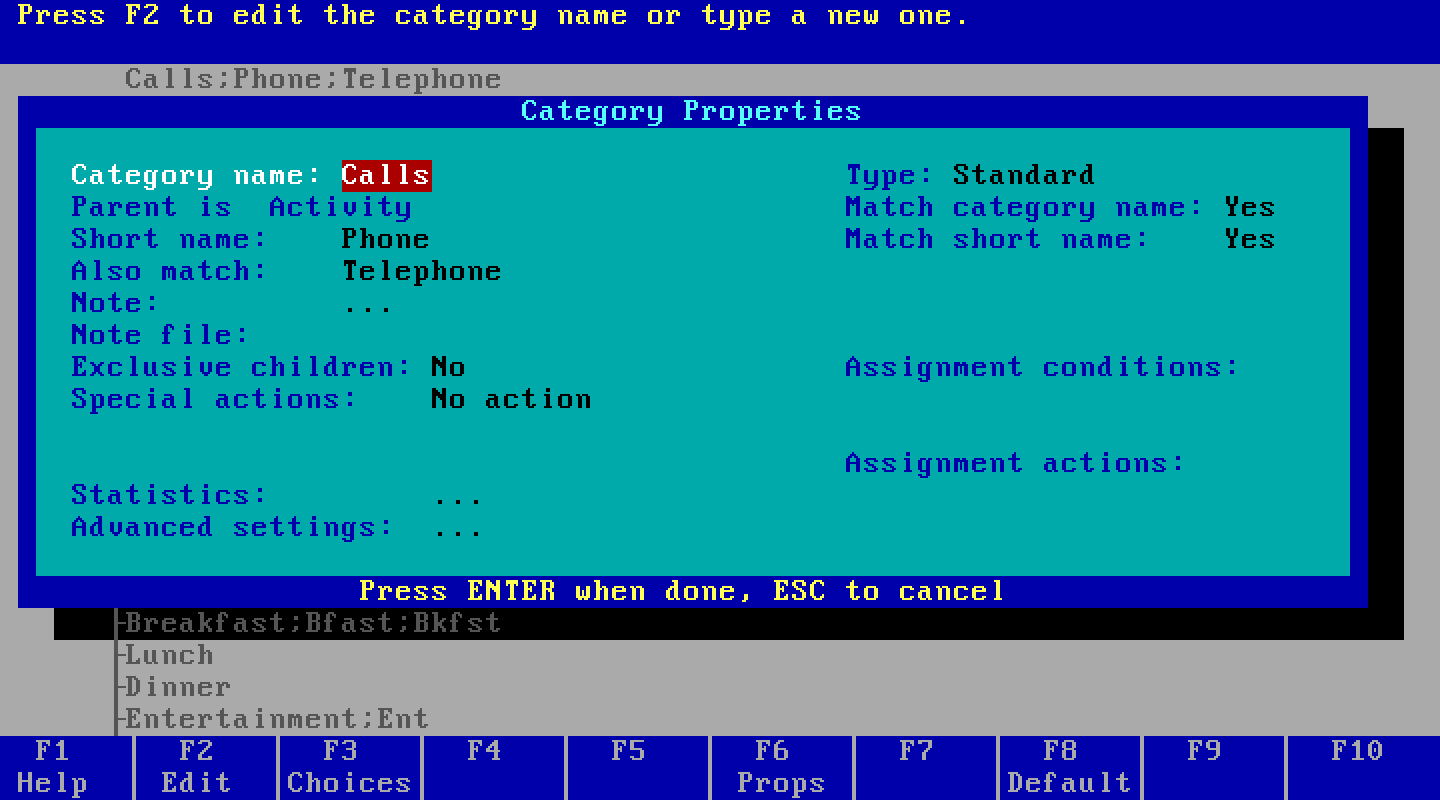
The Category Properties box for Calls: short name Phone, also match Telephone, exclusive children No, special actions No action, and empty fields for assignment conditions and assignment actions.
Category Properties for Calls. Short name, the also-match phrases, whether children are mutually exclusive, and the slots for conditions and actions. Every rule on the previous screen is edited from a box like this one.

The two dials

The 1990 paper calls them Initiative and Authority. The product calls them something plainer, and puts them one box deep under File Properties.
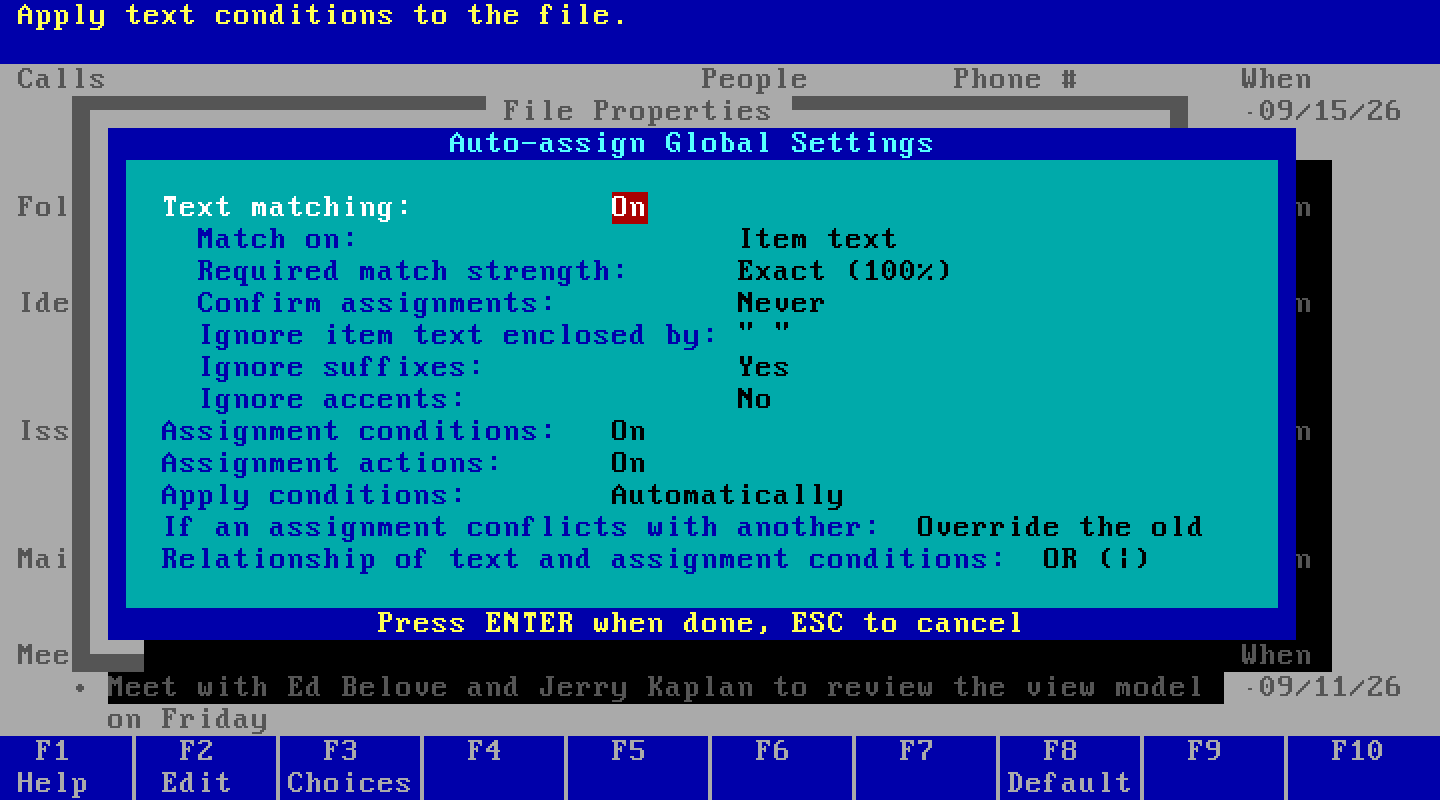
The Auto-assign Global Settings box: Text matching On, Match on Item text, Required match strength Exact (100%), Confirm assignments Never, Ignore suffixes Yes, Assignment conditions On, Assignment actions On, Apply conditions Automatically, If an assignment conflicts with another: Override the old, Relationship of text and assignment conditions: OR.
Required match strength is Initiative: Exact, Partial, or Minimal, meaning 100%, 50%, or 2% of a category's words have to appear in the item. Confirm assignments is Authority: Never, Always, or Sometimes, where Sometimes asks only about partial matches. Below them, whether conditions run automatically or on demand, and what happens when a new assignment conflicts with an old one.

Around the edges

The rest of the surface, for anyone who never saw it or wants to remember it exactly.
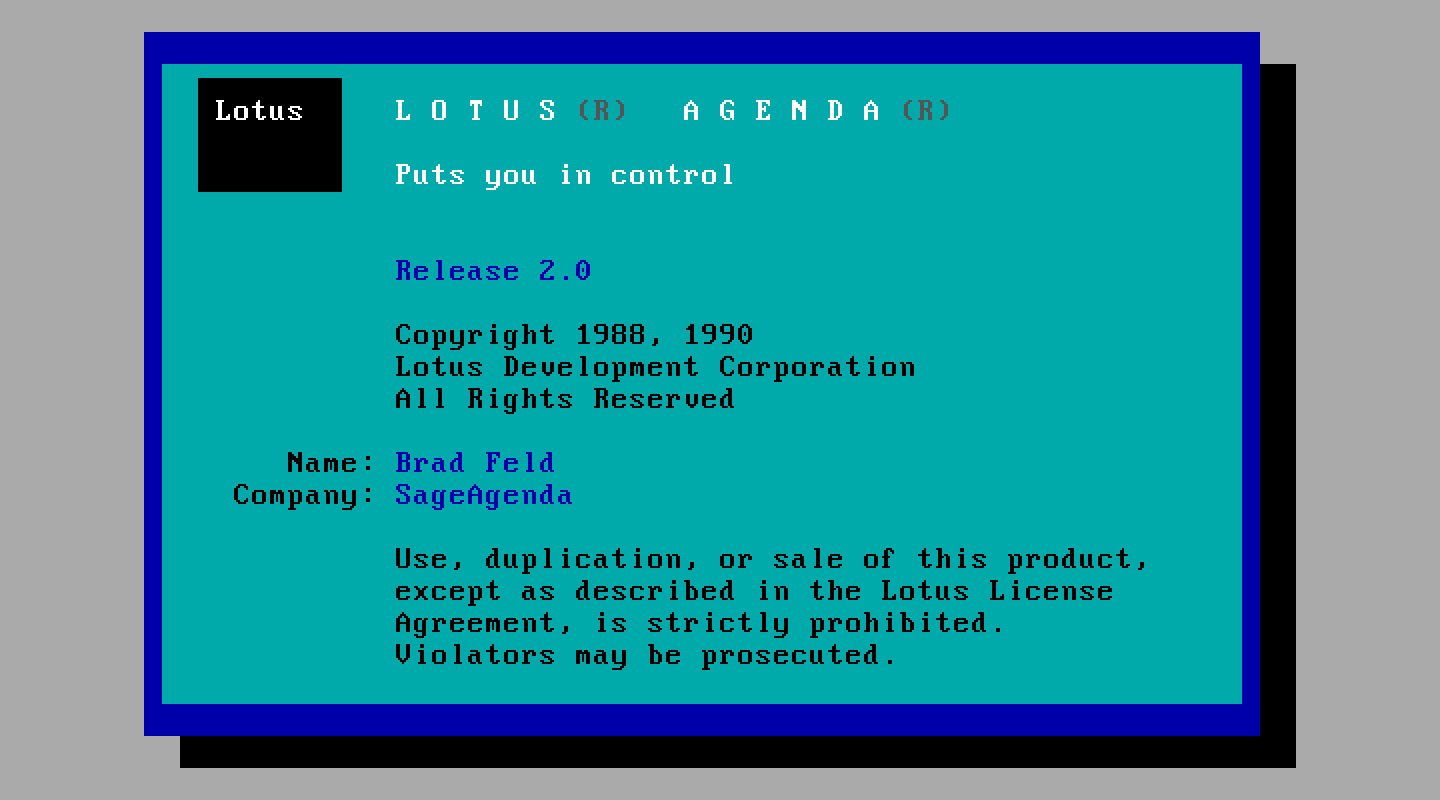
The Lotus Agenda Release 2.0 splash screen, with the name and company recorded by the installer.
Release 2.0 with Update B applied, booting on 11 September 2026. The installer burned the name and company into this copy. That's Lotus's copy protection, still working.
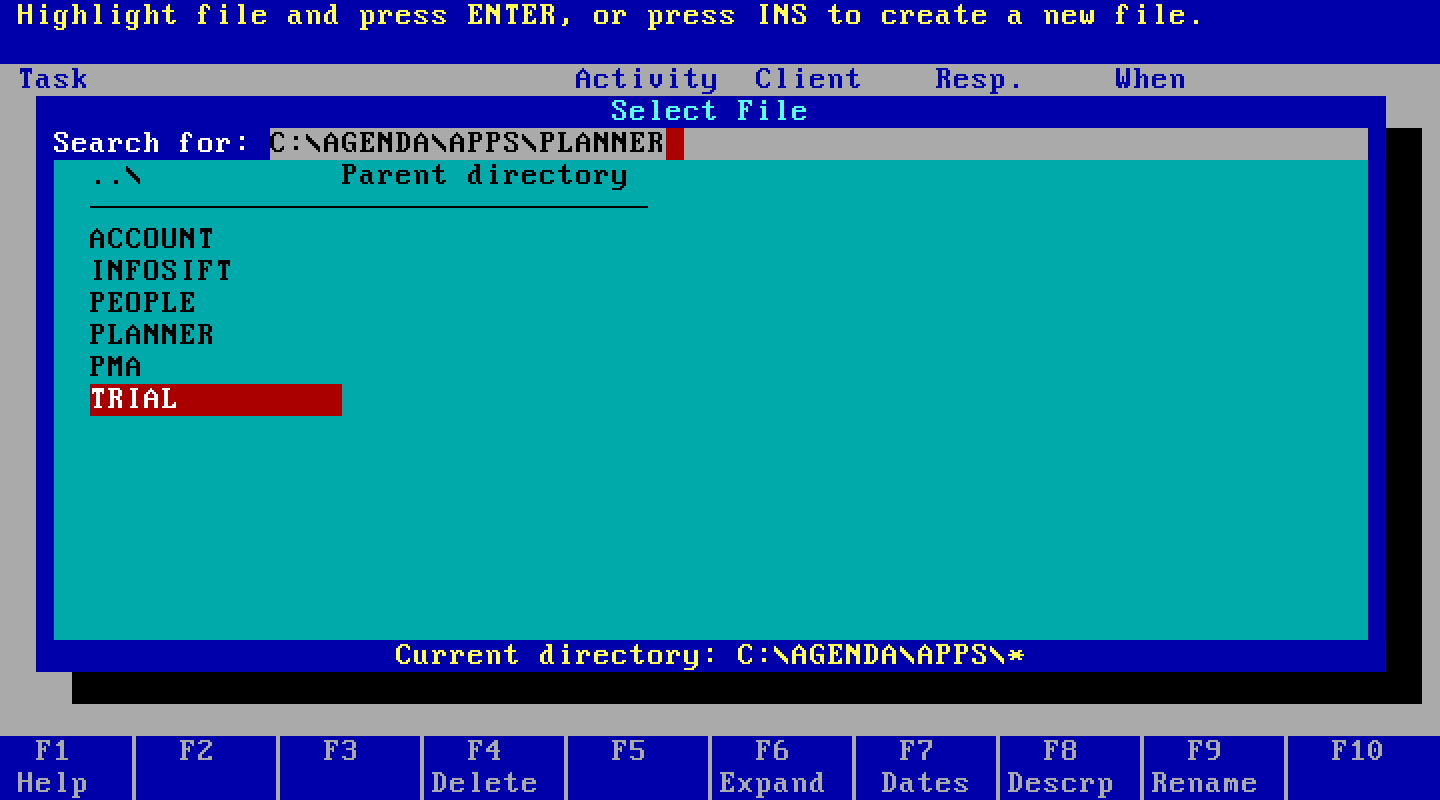
The File Retrieve box, prompting for a file name with C:\AGENDA\APPS\PLANNER filled in.
File Retrieve. Agenda opens on the last file you had open.
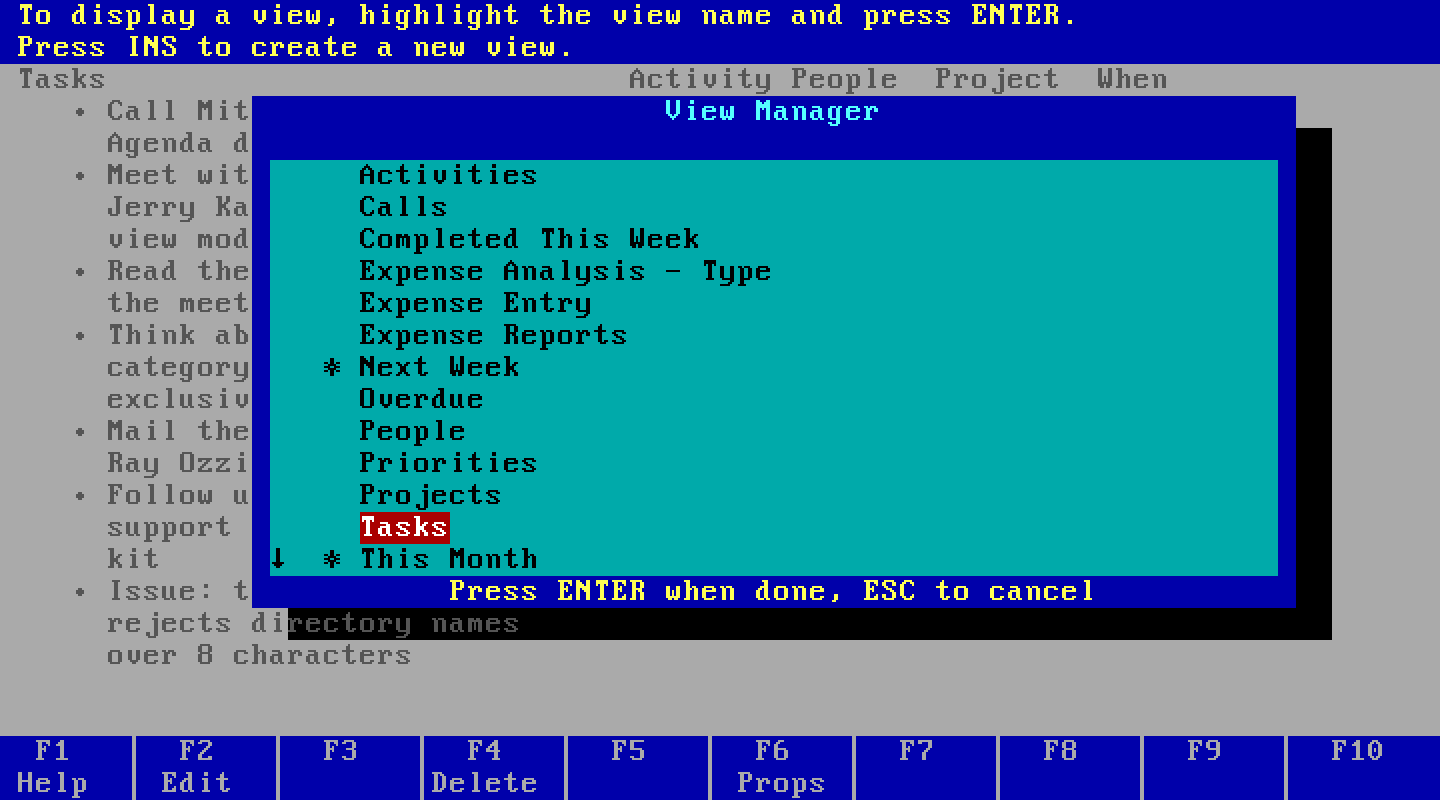
The View Manager listing the Planner file's views, Activities through This Month, with a scroll marker showing more below.
The View Manager. Sixteen views ship with the Planner file; the arrow at the bottom left means the list goes on past what fits. A view is cheap, so you make a lot of them.
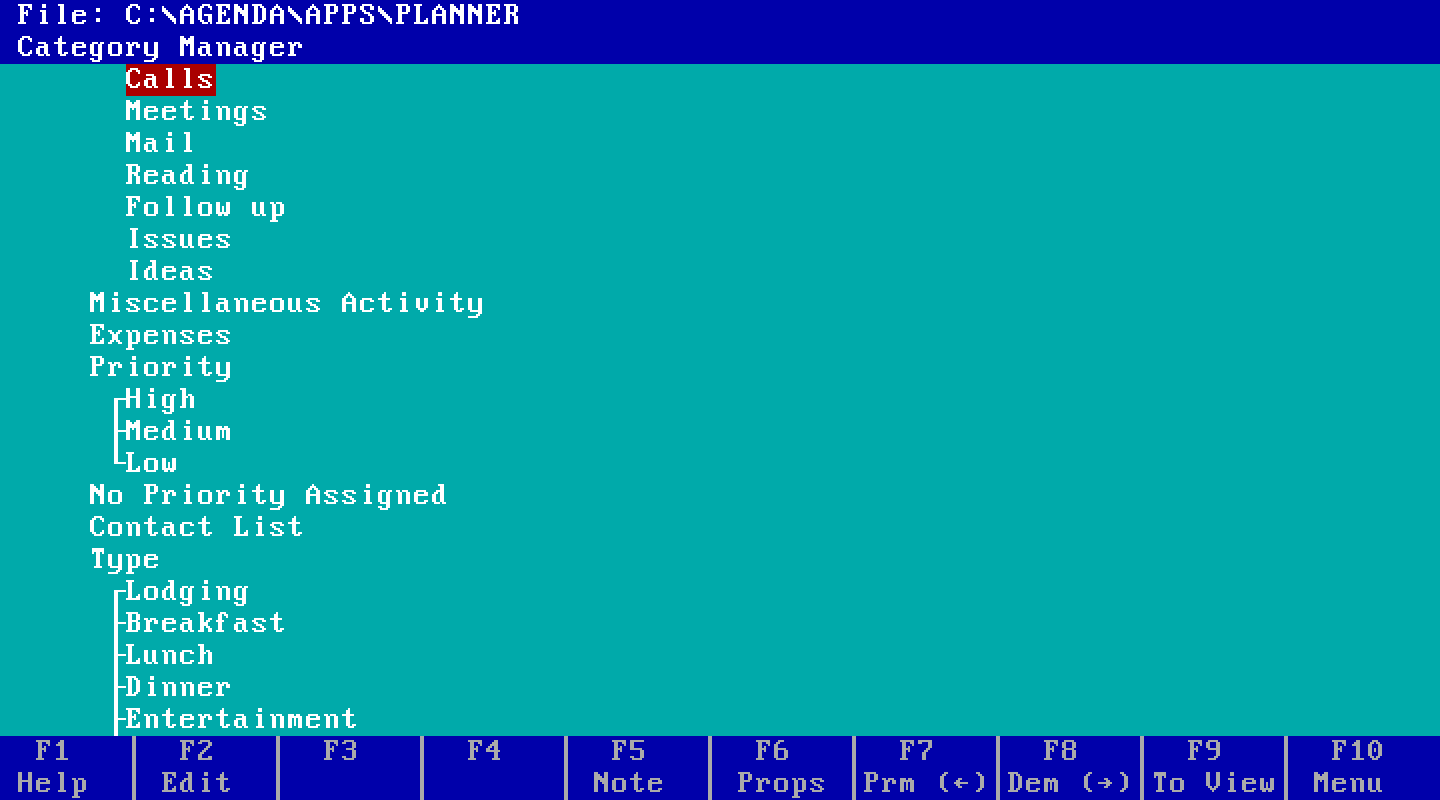
The category manager without conditions shown: a tree of categories with Priority and Type as mutually exclusive families.
The category manager with the rules hidden, which is its normal state. Same tree as above, read as an outline.
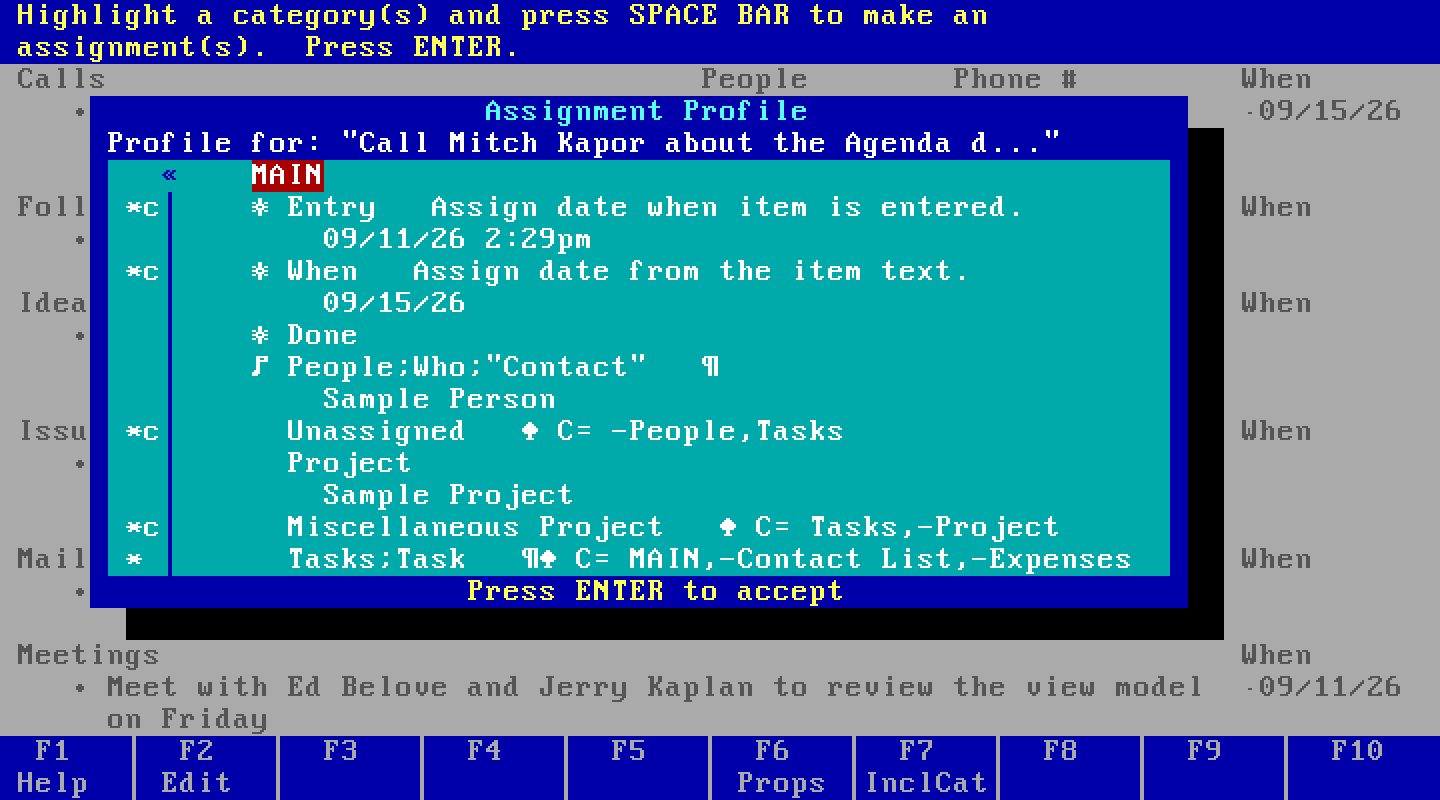
The assignment profile for one item, listing the categories it is assigned to with a star for explicit and a star-c for conditional assignments.
An item's assignment profile, F3. A star is an explicit assignment. A star followed by c is a conditional one, which breaks on its own if the item stops matching.
The main menu bar: File Item Category View Print Utilities System Quit, with the File commands listed beneath.
The menu, F10 or slash. Eight menus, and most of what's under them has a key.
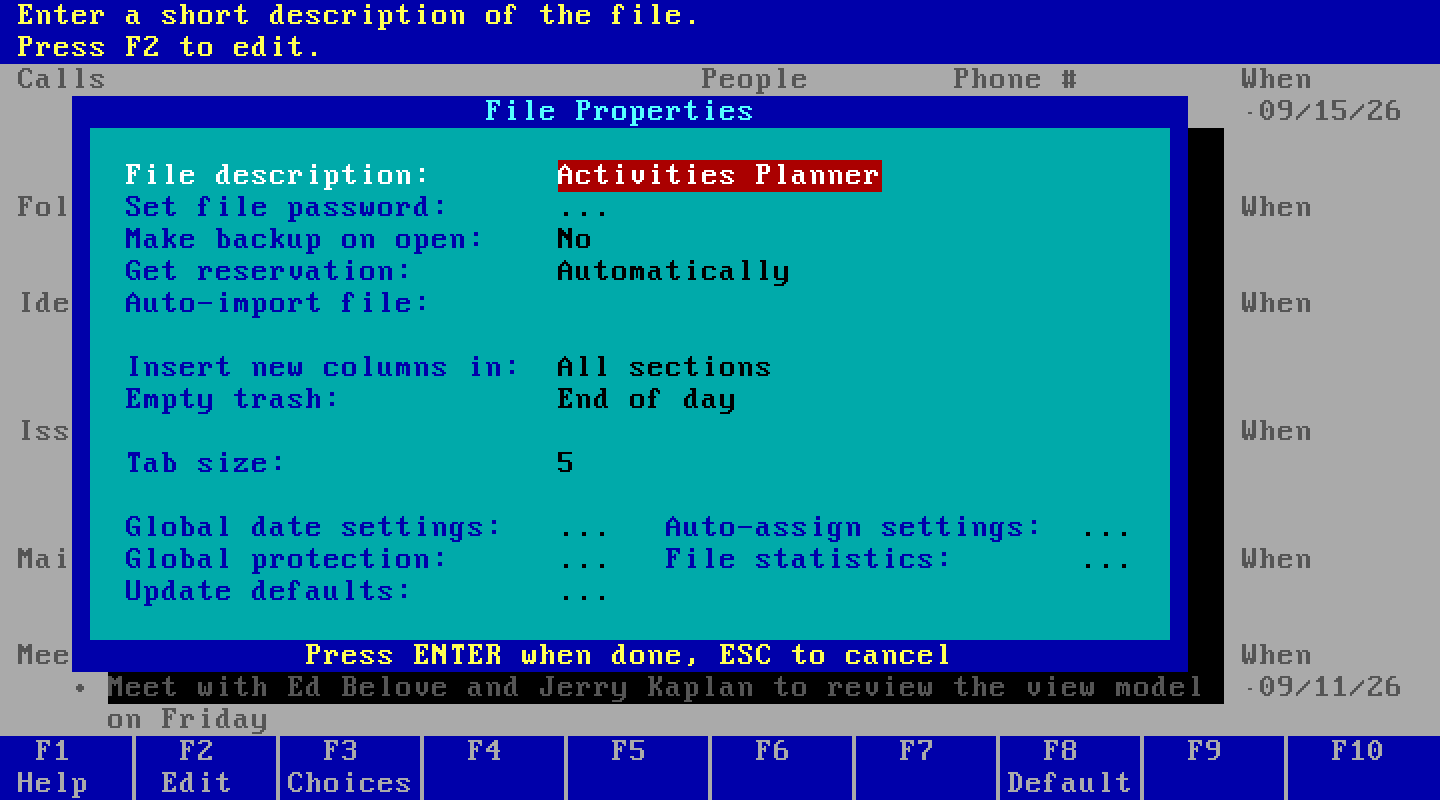
The File Properties box, with settings for description, password, backup, reservation, auto-import, and links to global date settings and auto-assign settings.
File Properties. The two dials live one level down, under Auto-assign settings.
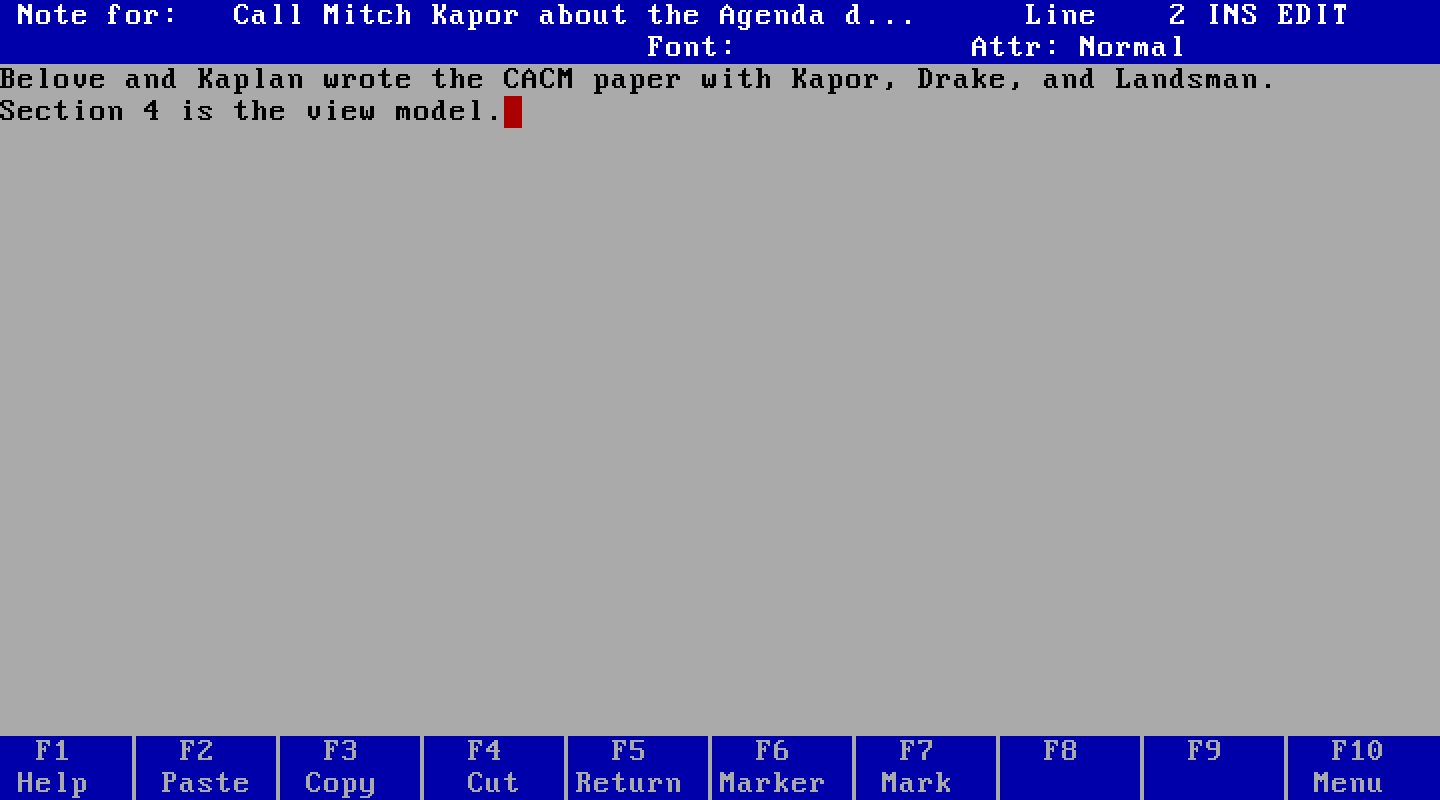
The note editor with a note attached to an item.
A note, F5. About ten thousand characters, attached to an item or to a category.

Why there's no manual page here. The manuals carry Lotus's 1988-1990 copyright notice, no archive anywhere declares a license on them, and the copyright runs to 2084, so I link to the scans on Downloads rather than rehosting them. I looked at this properly on 12 September 2026; sources has the reasoning. One scanned artifact does appear on the site - the Release 1.0 disk, small, on history - and the line is size: a thumbnail shows you what the packaging looked like, where a full-page scan stands in for the original. A picture of freeware running on my machine is mine to take.